AI Threads


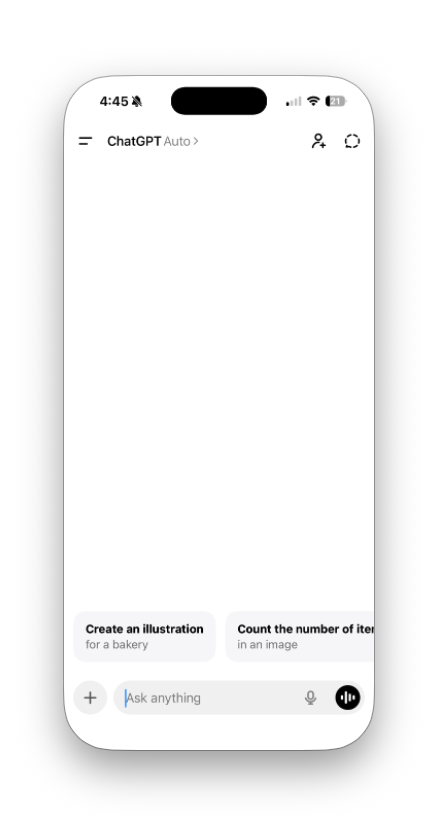
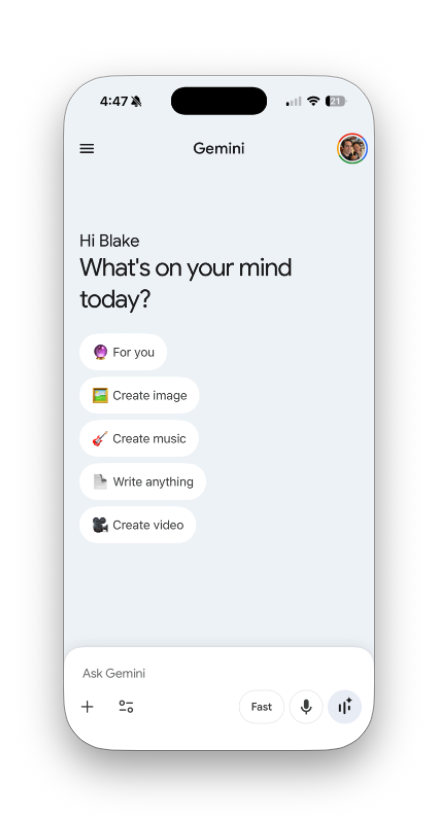
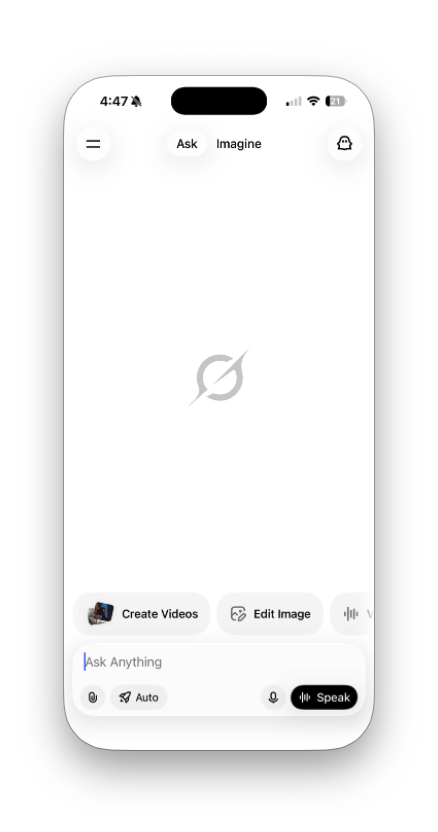
Canonical design instructions. Design a canonical mobile AI app blank-state screen in portrait iPhone format. The design pattern should combine the shared structure seen across leading AI chat apps:
- minimalist top navigation
- quiet central canvas
- a few starter action chips
- a persistent bottom composer dock
Create a polished, production-quality UI with these characteristics:
Overall structure:
- iPhone portrait screen with large rounded device corners
- very light neutral background, almost white with a slight warm or cool tint
- calm, premium, modern interface
- no clutter, no dashboard density, no hard dividers
Top bar:
- small menu icon on the top left
- centered product name
- one small utility or profile avatar on the top right
- very light visual weight, lots of breathing room
Center / blank state:
- keep most of the center intentionally sparse
- include a short greeting and one clear headline prompt such as “What do you want to make today?”
- below that, show 4–5 rounded action chips for common multimodal tasks
- example chips: Ask anything, Create image, Write draft, Summarize file, Generate video
- chips should feel tappable, lightweight, and elegant, not loud
Bottom composer dock:
- floating rounded rectangular dock anchored near the bottom
- primary text input field with placeholder like “Ask anything”
- plus button for attachments/tools
- microphone or voice input button
- optional small mode pill such as Fast / Smart or Ask / Create
- one stronger primary action on the right for voice or submit
- dock should feel like the center of gravity of the interface
Visual language:
- monochrome or near-monochrome palette with subtle grays
- use color only sparingly for avatar accents or one tiny highlight
- soft shadows, almost invisible
- large corner radii everywhere
- simple sans serif typography, medium contrast, clear hierarchy
- elegant spacing and alignment
- premium consumer AI aesthetic
Design goals:
- the screen should feel immediately usable, not empty
- balance Gemini-style task clarity with ChatGPT-style restraint
- avoid Grok-style control clutter, but keep strong input affordances
- emphasize initiation, calmness, and multimodal possibility
- make the blank state feel purposeful rather than vacant
Output:
- one canonical screen
- one variant with a more activated blank state
- one variant with a more minimal blank state